
NextCloud : Chat / Talk / Screen Share
rev 2025/10/17
|
It's possible to meet online with Chat, Talk, Screen Share features on NextCloud. |
|
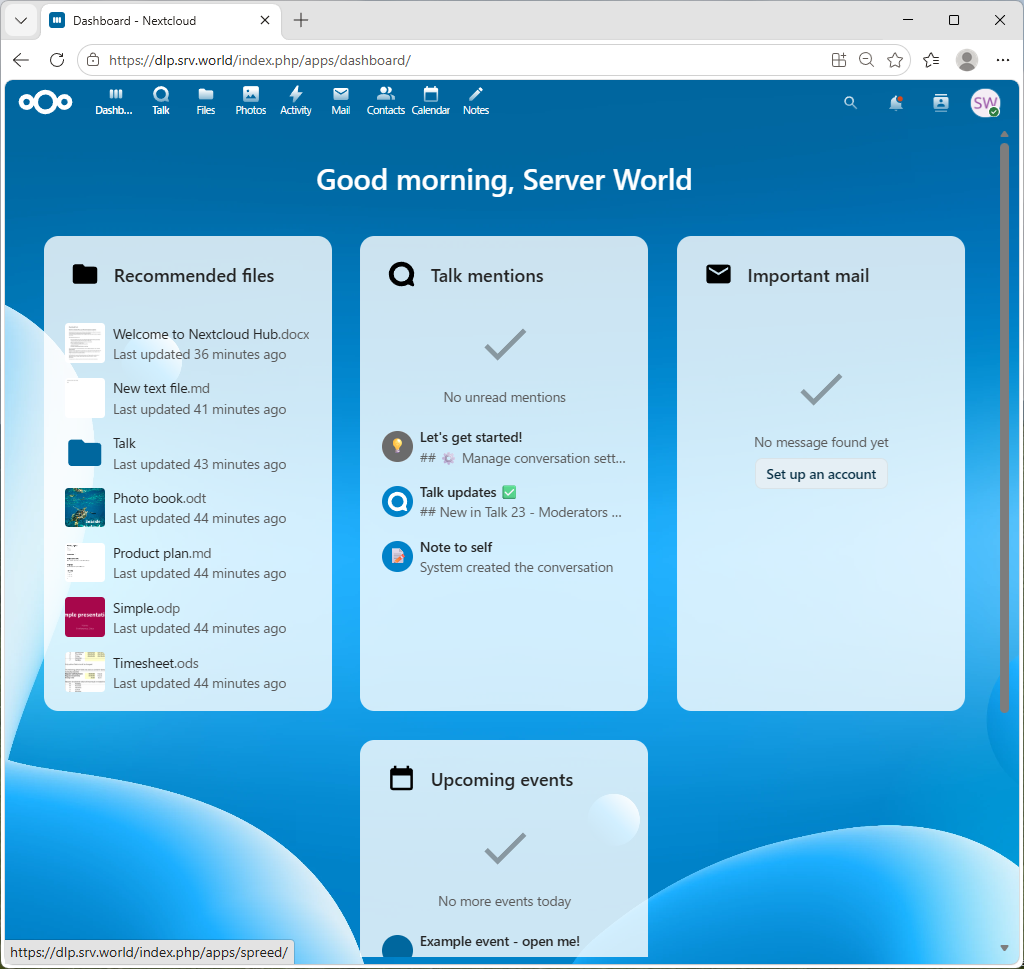
| [1] | Login to NextCloud Web with your own account and Click [Talk] icon on upper menu. |
|
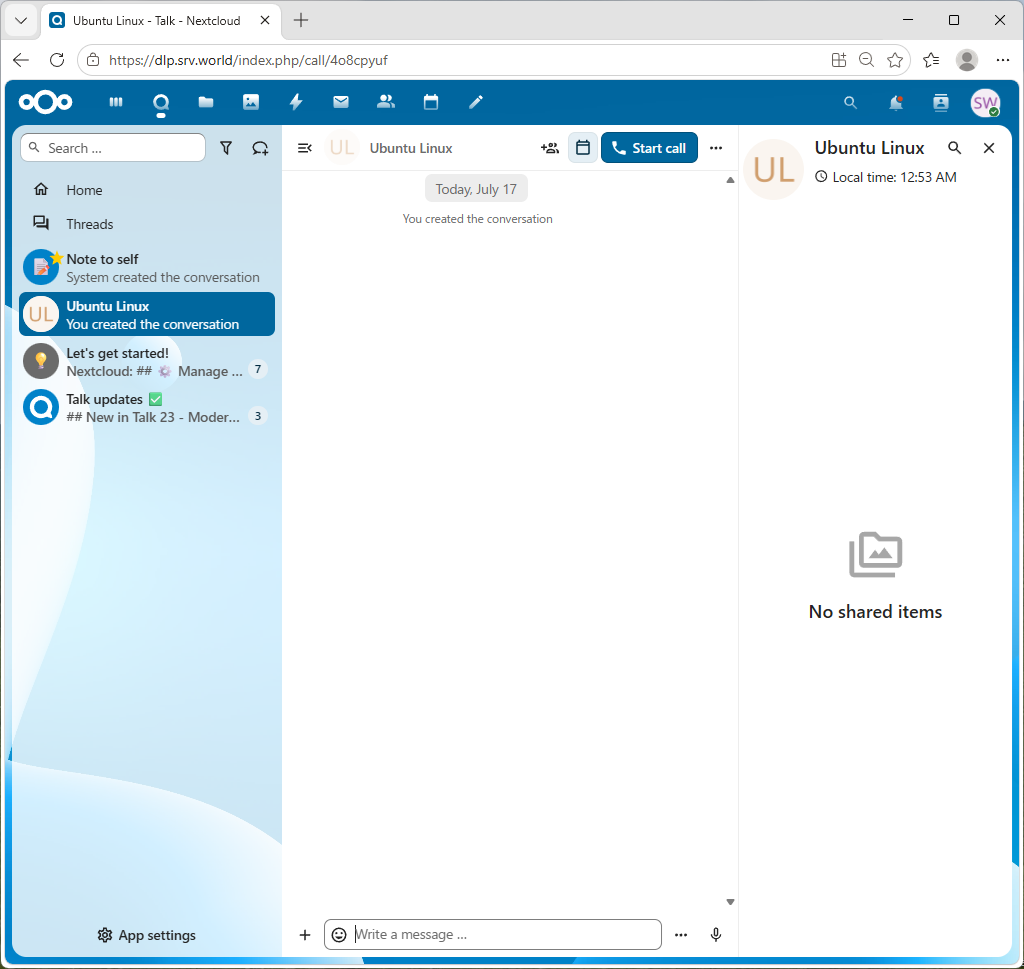
| [2] | Search user account you'd like to talk and Click it if found. |
|
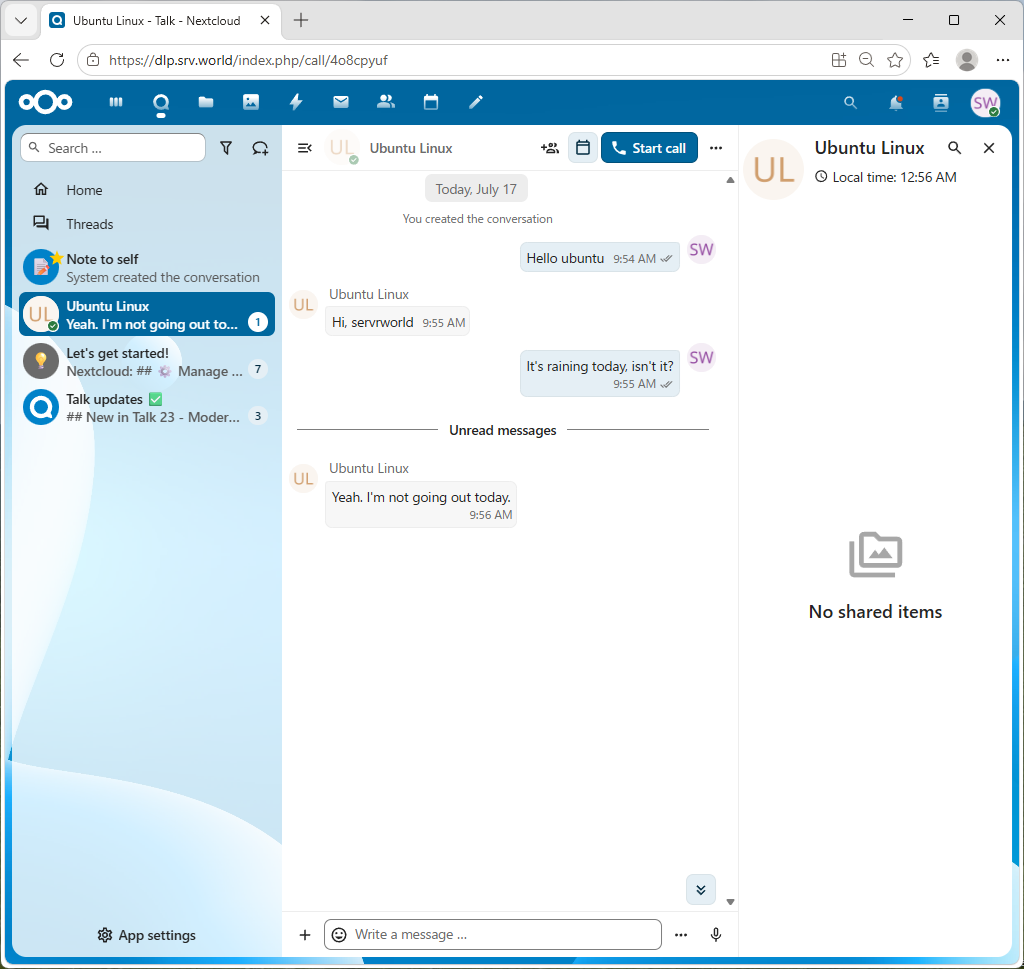
| [3] | Click [Start call] button to begin talking. By the way, if you only use Chat feature, input messages on the lower field and push Enter key, then you can send your message without [Start call]. |
|
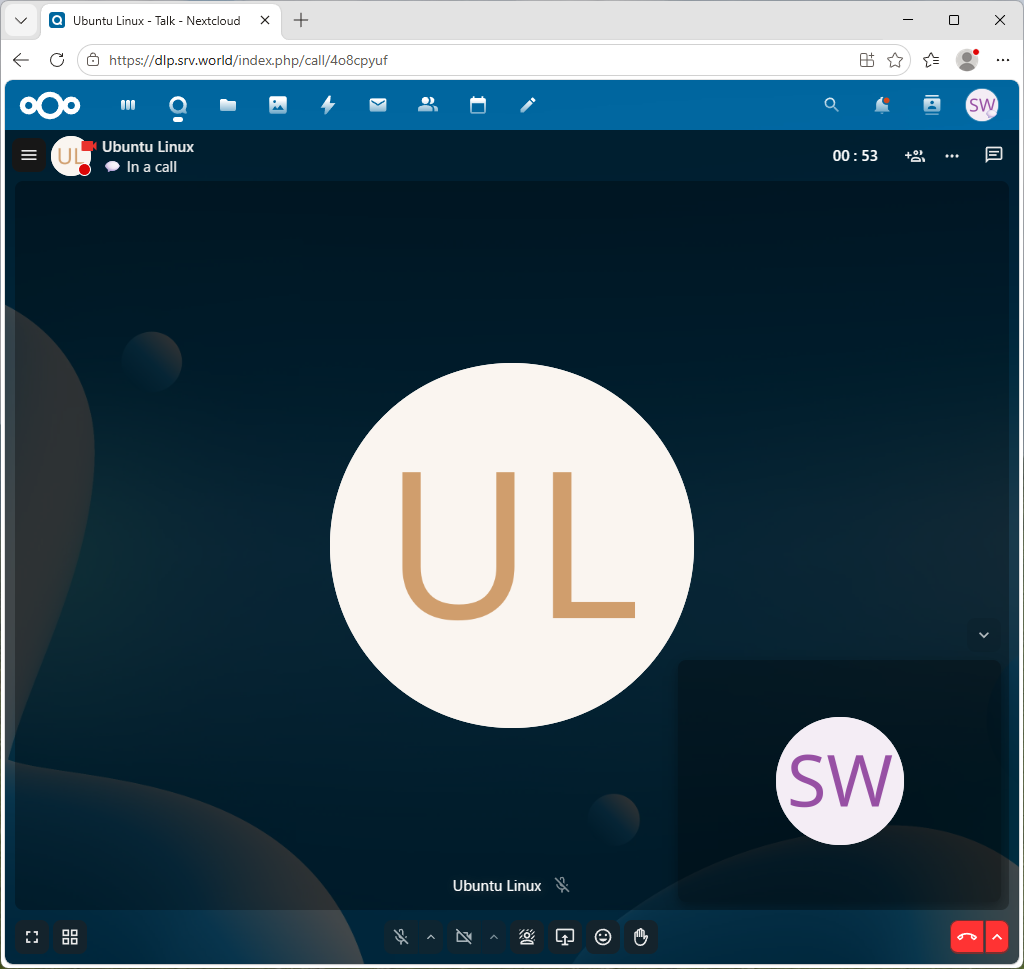
| [4] | To entering calling, screen turns to follows. If both clients have web camera and enable it, Camera images are shown on the screen. |
|
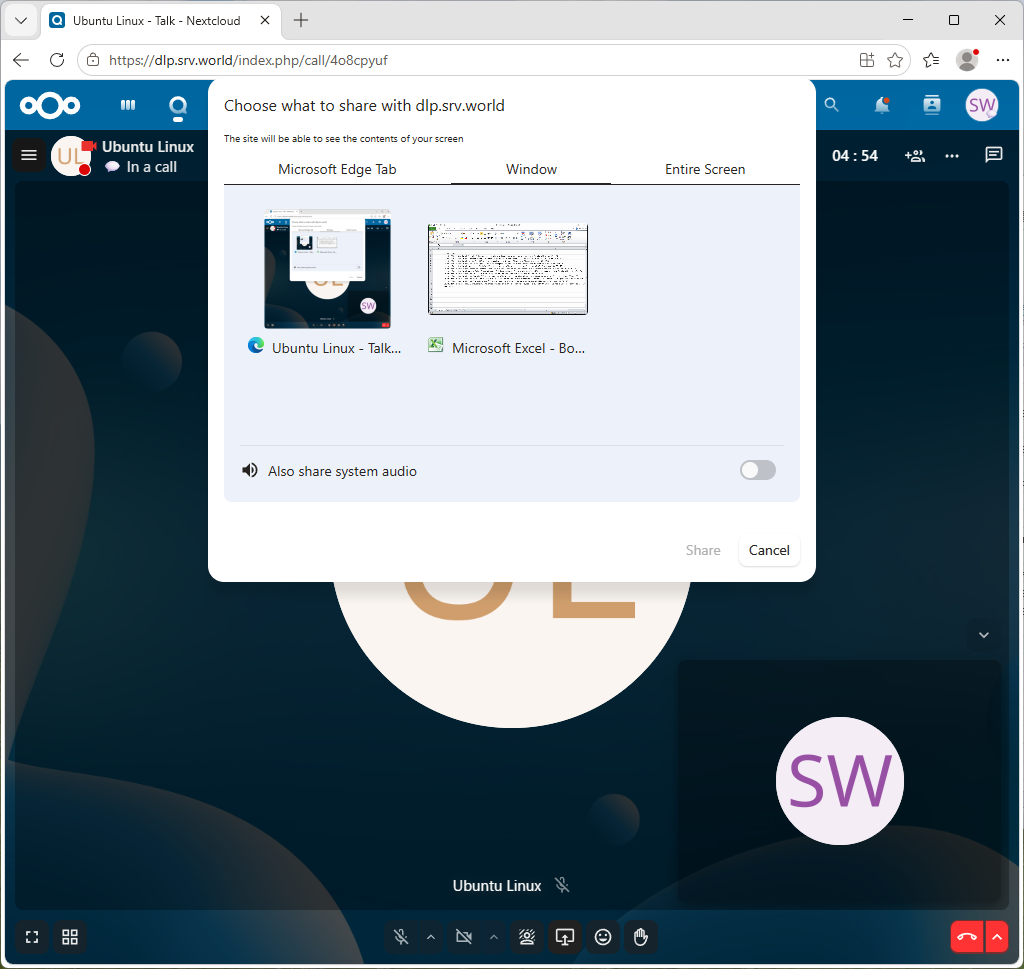
| [5] | For example, to enable screen sharing, click the screen sharing icon. You can choose to share your entire screen, just an application window, or a tab in the Edge web browser. |
|
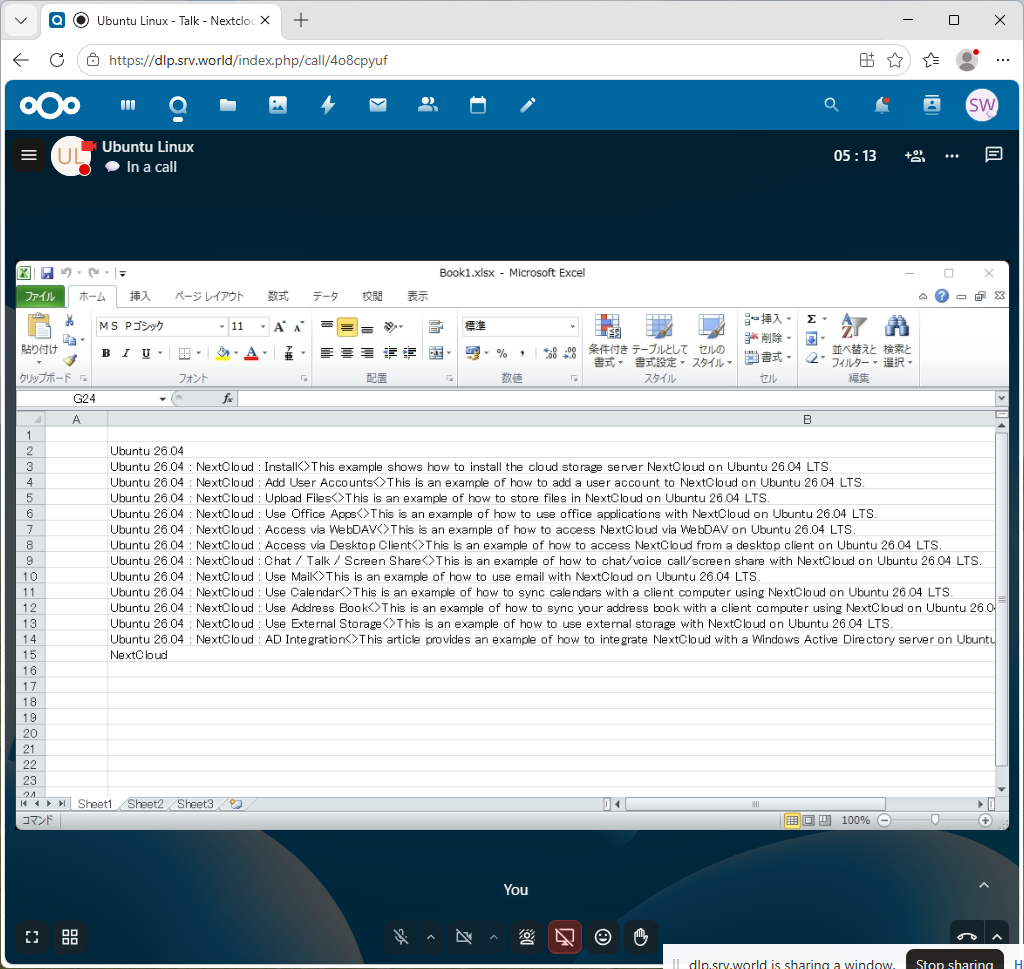
| [6] | This is the screesharing sample of Excel window. |
|